 Santa Caught on Camera
Santa caught on camera in the sky, flying over your house
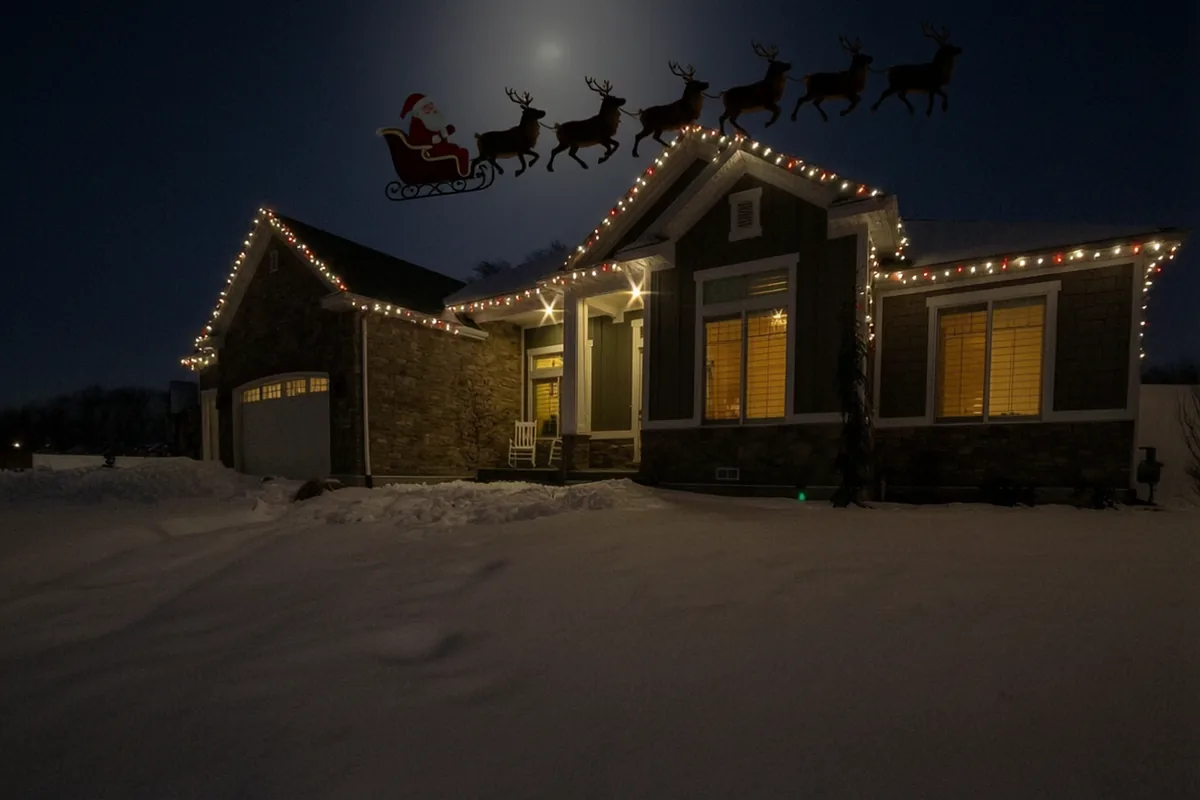
Upload a photo of your house with the roof and some sky in it. You get a 10-second outdoor-camera clip of Santa's sleigh and reindeer crossing above your roof at night, with Santa waving as he passes.
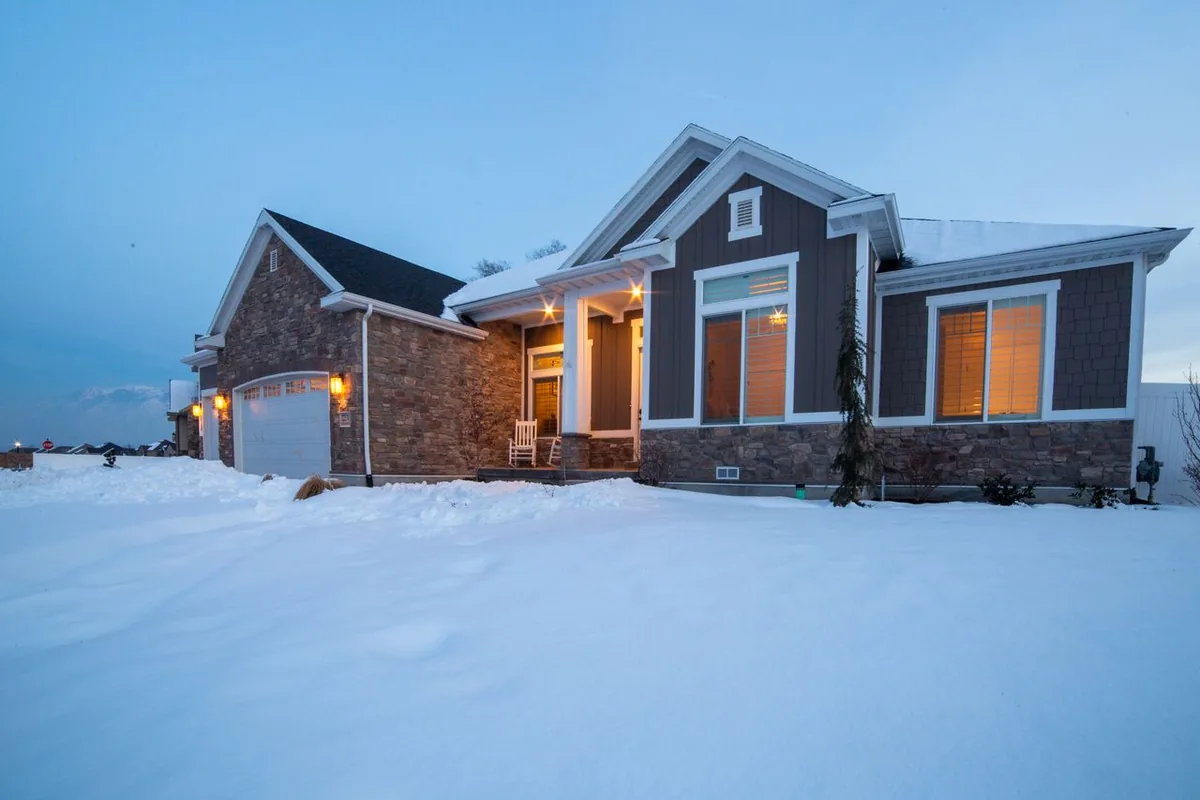
Sample clip from a stock photo of a house at dusk. Yours starts from a photo of your house.
Where should Santa show up?
A wide photo of the room with the tree or fireplace in it, taken from up high (stand on a chair), or a screenshot from your indoor camera app.A screenshot of your doorbell's live view (Ring, Blink, Nest, Eufy, Arlo, Vivint) or a photo of the porch taken from where the doorbell hangs.A landscape photo of your house from the driveway or street, with the whole roofline and plenty of sky in it.Preview picture free in about 30 seconds. The 10-second video is $6.99. Your photo is only used to make your clip and is never published.
Santa is sneaking into your photo…
Keep this tab open.
That is Santa at your house. Now make it move.
The video is 10 seconds of night-camera footage that starts from this exact picture. No watermark, yours to keep.
Secure payment by Stripe. Already paid? Restore my purchase
The download is the clean clip. The timestamp version adds the REC mark and a 12-24 night time, recorded in your browser. Save it to your phone now: the link on our side expires after 24 hours.
Taking the photo of your house
- Stand at the end of the driveway or across the street, far enough back to fit the whole roofline.
- Hold the phone sideways and tilt up so the sky fills about a third of the picture. The sleigh flies through that part.
- Take it at dusk with the windows or Christmas lights on, if you can. A daytime photo also works.
- Keep people, cars in motion and street signs out of the frame.
- Upload it above and pick "Sky over the house".
What happens in the sky clip
- The sleigh and reindeer appear high over the left side of the roof
- They cross above the house; Santa turns and waves down
- The sleigh climbs and disappears into the dark on the right
Time it with the Santa trackers
On December 24, NORAD Tracks Santa and the Google Santa Tracker show Santa's route around the world, and many families watch it after dinner. When the map shows him reaching your part of the world, that is the moment for "the yard camera just caught something". Have the clip saved on your phone before the evening starts.
The sky clip pairs well with a second camera: Santa flies over in the evening, and the doorbell or living room clip shows where he landed. The $14.99 family pack covers three clips.
Sky clip questions
Why is the sleigh so small?
Because that is how a real outdoor camera films something far away at night. We tried a version where the sleigh swoops close to the lens, and it looked like animation. A small sleigh crossing the roofline looks like real footage.
Do I need snow in my photo?
No. The sample happened to be a snowy house. The clip adds light falling snow either way, and the rest of your yard stays as it is in your photo.
Can I use a photo from my outdoor camera?
Yes, if it shows the roof and some sky. Many driveway cameras point down at the ground; in that case take a phone photo from the end of the driveway instead.
Which time of day should I take the photo?
Dusk, with the house lights or Christmas lights on, gives the most natural night clip. Daytime photos are turned into night too.
Other cameras: Santa in the living room, or Santa at the front door.